


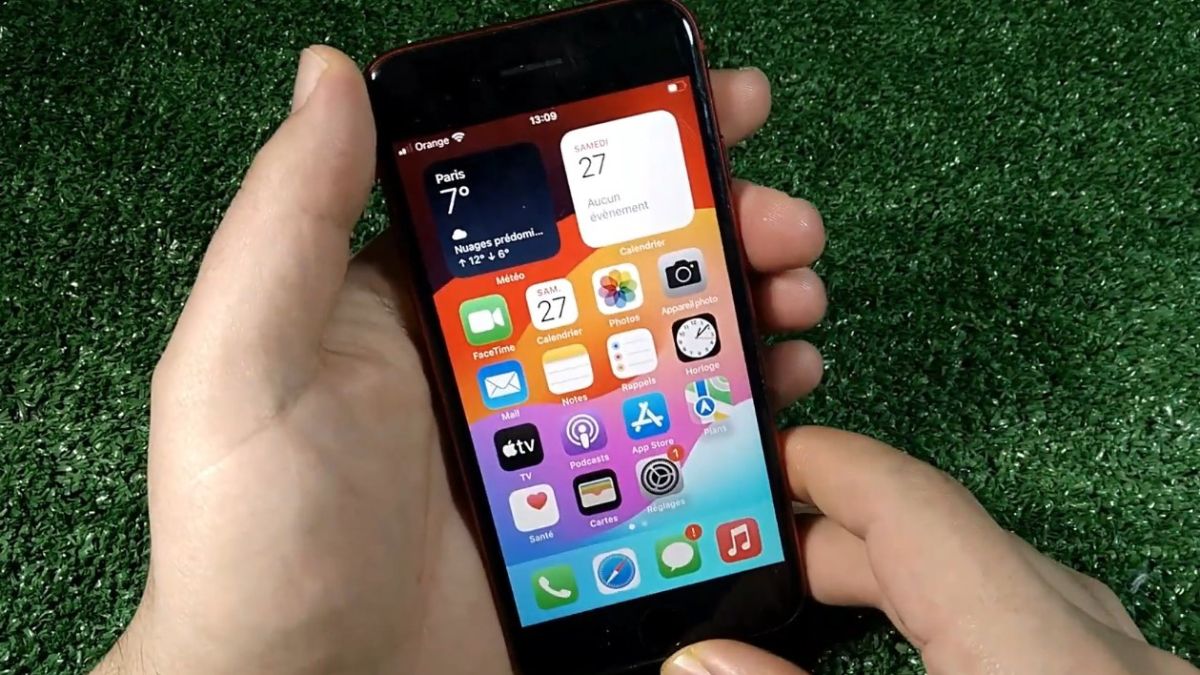
Receiving a missed call without the phone having emitted the slightest ring is an increasingly frequent situation. The screen displays a notification, sometimes several hours later, even though the device was on, connected to the network, and within reach. This phenomenon affects both Android smartphones and iPhones, and it is not just an isolated bug.
Behind this unexpected silence lies a combination of settings, software priorities, and often unknown network management mechanisms. The ringing of a call today depends on many invisible intermediaries, far beyond the simple incoming signal.
On recent smartphones, silent mode is no longer limited to a physical button or a visible icon. Mobile systems integrate automatic profiles capable of modifying sound behavior without direct interaction.
On Android as well as iOS, certain scenarios trigger a temporary deactivation of ringtones, notably during scheduled events, connections to certain peripherals, or predefined time slots. According to an internal study conducted by Samsung on its Galaxy devices, nearly 28% of missed calls without a ringtone are linked to an automatically modified sound profile.
The user thinks the phone is in normal mode, while a secondary setting blocks only incoming calls, while allowing visual notifications to pass through.
Modern smartphones manage alerts according to a priority system. An incoming call is no longer treated as an absolute interruption, but as a notification among others, subject to internal rules.
When several notifications arrive simultaneously, the system can reduce or suppress the ringtone to avoid sound overload. This behavior is particularly noticeable when messaging, navigation, or streaming applications are active.
Tests conducted on Android 13 and iOS 17 show that, under certain conditions, an incoming call can be displayed without triggering a ringtone if the system estimates that the user is already engaged in a priority activity. This mechanism concerns about 15 to 20% of silent calls recorded.
Receiving a call relies on a signal distinct from that of mobile data. It is therefore possible to browse the internet while having degraded voice reception.
In areas where coverage is fluctuating, the network can transmit the call information without maintaining the connection long enough to trigger the ringtone. The phone then receives the call, but too late to activate the sound alert.
Operators estimate that nearly 10% of missed calls in dense urban areas are linked to network micro-cuts, often invisible to the user. This phenomenon is accentuated with the automatic switch between 4G, 5G, and Wi-Fi.
Wi-Fi calls allow making and receiving communications via an internet connection rather than the mobile network. This technology improves indoor coverage, but it introduces an additional layer in the signaling chain.
When the Wi-Fi connection is unstable or heavily used, the call can be signaled to the system with a slight delay. In some cases, the notification arrives without triggering the associated ringtone.
Analyses conducted by European operators show that up to 18% of missed Wi-Fi calls do not generate an audible ringtone, especially during rapid network changes or low variable latency.
Some applications installed on the phone can modify how calls are handled. These may include filtering tools, spam protection, or professional applications managing secondary lines.
Even when they do not explicitly block calls, these applications can delay the display or ringtone by analyzing the incoming number. This delay, sometimes less than a second, is enough to prevent the sound trigger in certain configurations.
Mobile security audits estimate that nearly one in five smartphones has at least one application capable of intercepting or modifying incoming call behavior, often without the user’s knowledge.
Battery management has become extremely aggressive on recent smartphones. To limit consumption, the system can restrict the activity of certain functions when the screen has been off for a long time.
In some cases, the process responsible for the ringtone is temporarily suspended, while the visual notification remains allowed. The call is then recorded, but the sound alert does not trigger.
Data from Android manufacturers indicate that this mechanism is involved in about 12% of silent calls, mainly on devices with a battery below 20% or subject to enhanced energy restrictions.
When the phone is connected to a Bluetooth device, the ringtone can be redirected to this peripheral. If it is out of range, turned off, or discharged, the sound is simply not audible.
This scenario is common with wireless earbuds or in-car systems. The user believes the phone did not ring, while the ringtone was sent to an absent device.
According to a survey conducted by an audio accessory manufacturer, nearly 25% of missed calls perceived as silent are linked to unintentional Bluetooth redirection.
Modern focus modes allow finely filtering interruptions. They can allow certain contacts while blocking others, without completely cutting off the phone’s sound.
In this case, calls from unauthorized numbers are displayed as missed, without triggering a ringtone. This behavior is often misinterpreted, as the phone seems to function normally for other alerts.
On iOS 17, Apple indicates that more than 40% of users have activated at least one custom focus mode, sometimes without remembering the associated rules.
After a system update, some settings may be partially reset. Permissions related to calls or notifications may find themselves in an intermediate state.
During this phase, the phone can display incoming calls without activating the corresponding sound signal. This type of behavior is generally temporary, but it can persist for several days.
Support forums indicate that ringtone issues appear in 8 to 10% of cases in the days following a major update, before disappearing after a restart or full synchronization.
In most situations, a phone that does not ring is not defective. It is a victim of an overlay of rules, priorities, and network conditions that result in unexpected silence.
Each setting taken in isolation seems trivial, but their combination can neutralize the ringtone without blocking the call. It is this increasing complexity of mobile systems that explains why this phenomenon is becoming more frequent.
Figures show that more than 70% of silent calls are linked to internal settings rather than a hardware or operator problem.
Call management has profoundly evolved. It no longer relies on a simple sound alert, but on a complex orchestration between network, software, battery, and usage.
This sophistication improves overall comfort, but it also introduces puzzling situations. As systems become smarter, they make more decisions on behalf of the user, sometimes to the detriment of the ringtone.
Understanding these mechanisms allows putting the problem into perspective and explaining why a perfectly functional phone can remain silent at the precise moment someone calls.