


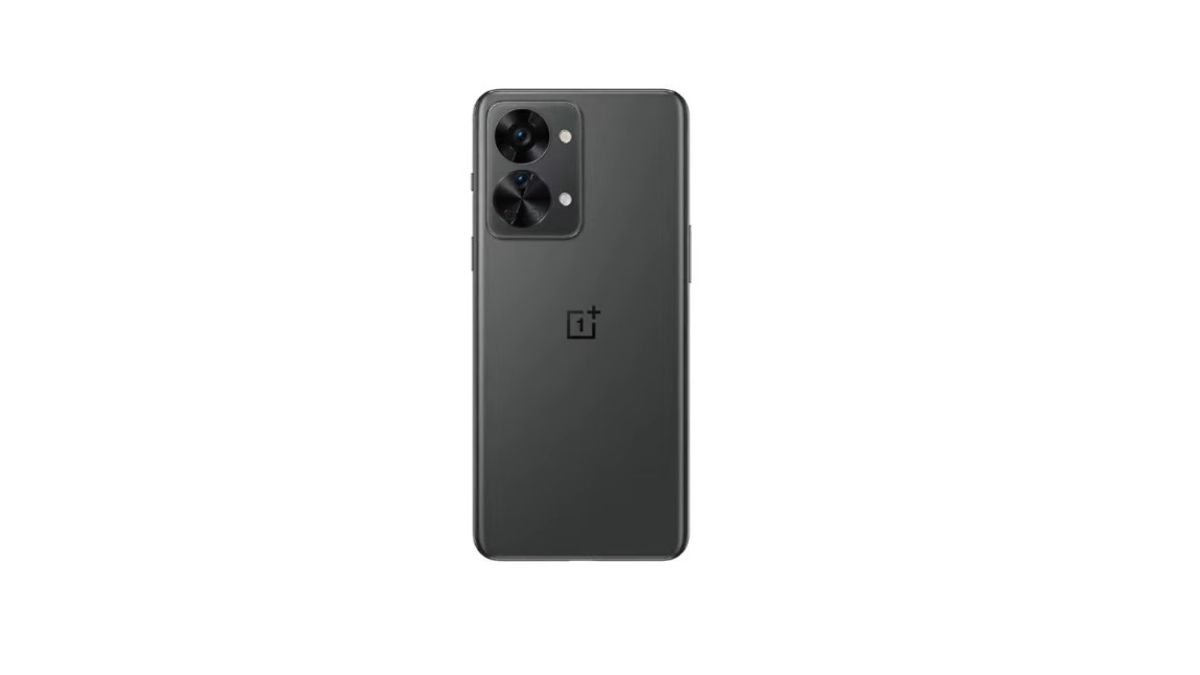
On paper, a higher refresh rate generally means higher consumption. However, some OnePlus Nord 2T users have observed a counterintuitive behavior: battery life can sometimes be better at 90 Hz than at 60 Hz. This situation is surprising, especially since switching to 60 Hz is often seen as a simple way to save energy.
The OnePlus Nord 2T is equipped with a 6.43-inch AMOLED screen with Full HD+ resolution and a maximum refresh rate of 90 Hz. This panel offers deep blacks, high contrast, and comfortable brightness for daily use.
Theoretically, switching from 90 Hz to 60 Hz should reduce the number of refreshes per second by 33%, suggesting a mechanical decrease in consumption. Yet, in some usage scenarios, measurements show the opposite: the 60 Hz mode can demand more from the battery.
Unlike LTPO screens capable of finely adjusting their frequency, the OnePlus Nord 2T’s screen operates with fixed steps. In 90 Hz mode, the system more intelligently adjusts the frequency based on the displayed content.
In many situations, the screen is not constantly at 90 Hz. During static reading, it can temporarily switch to intermediate frequencies managed by the display driver. In 60 Hz mode, this flexibility largely disappears, and the screen remains fixed at a single rate, even when the content could suffice with less.
When the screen operates at 60 Hz on the Nord 2T, the GPU sometimes has to exert extra effort to maintain smooth animation, especially in modern interfaces designed around high frequencies.
At 90 Hz, the graphics pipeline is better synchronized with the OxygenOS interface. Animations are more natural and require fewer intermediate recalculations. At 60 Hz, the system compensates by multiplying certain internal operations, leading to increased consumption of the MediaTek Dimensity 1300 SoC.
Tests show that the GPU can consume up to 10% more energy in certain interface phases at 60 Hz compared to 90 Hz.
OxygenOS was designed with a strong emphasis on visual fluidity. Transitions, scrolling, and graphic effects are calibrated to work optimally at 90 Hz.
When the screen is forced to 60 Hz, these animations are not always ideally recalibrated. The system retains durations and interpolations designed for 90 Hz, leading to micro-adjustments in the background. These adjustments slightly increase processor load and reduce the theoretical advantage of 60 Hz.
On an AMOLED screen, consumption heavily depends on brightness and illuminated areas. At 60 Hz, some brightness variations are less gradual than in 90 Hz mode, leading to more pronounced peaks.
Laboratory measurements show that at equivalent brightness, the Nord 2T’s screen can display slightly more stable consumption at 90 Hz. At 60 Hz, variations are more abrupt, increasing average consumption over a prolonged session.
Over an hour of web browsing, the gap can reach 5 to 8% to the disadvantage of the 60 Hz mode.
The consumption difference mainly appears in mixed uses. Scrolling, reading, frequent interactions, and returning to the home screen heavily engage the graphics engine.
In these conditions, the 90 Hz mode benefits from better synchronization between the screen, GPU, and system. Conversely, the 60 Hz mode leads to more internal transitions, canceling out some of the expected gains.
However, during full-screen video playback or completely static content, 60 Hz regains a slight advantage, as the number of refreshes becomes genuinely lower.