


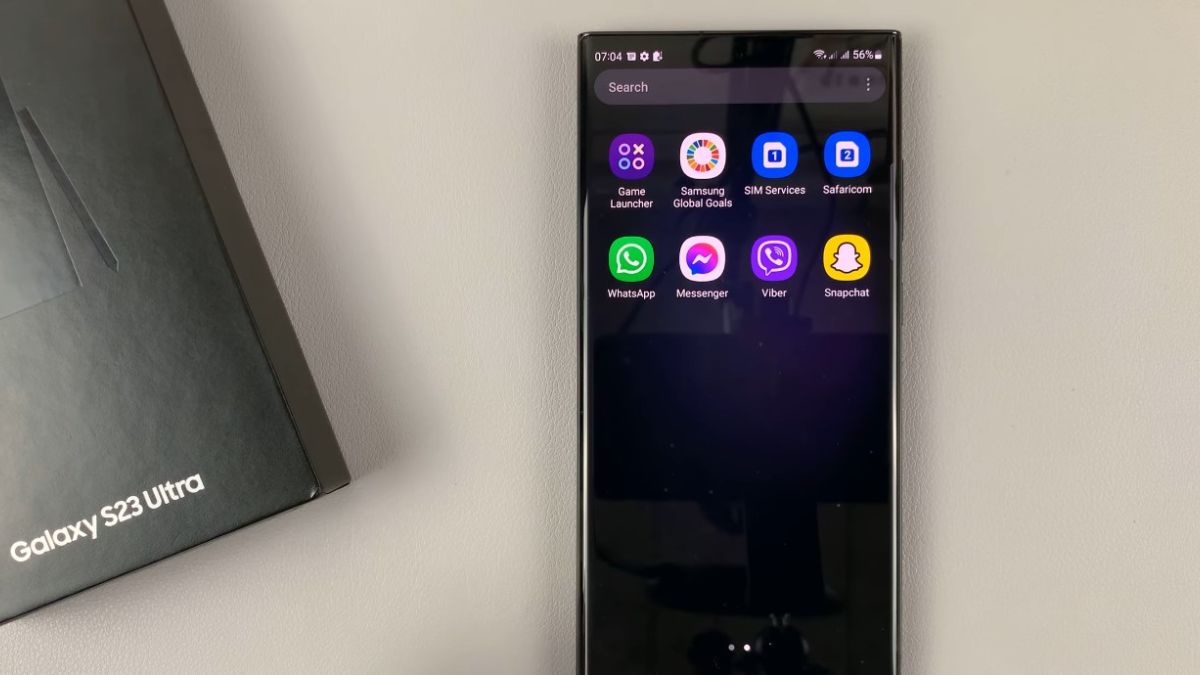
On the Samsung Galaxy S23, WhatsApp is supposed to remain active at all times to display messages and calls as soon as they arrive. However, many users notice a puzzling behavior. The app seems to work normally, then suddenly stops receiving messages when the screen turns off. Notifications appear late, sometimes all at once, giving the impression that the phone ignored exchanges for several minutes.
This phenomenon is not related to WhatsApp instability or a hardware failure of the Galaxy S23. It comes from Samsung’s internal settings, designed to reduce energy consumption but which too easily interrupt certain messaging apps. Without manual intervention, WhatsApp can be stopped in the background without the user being informed.
When the Galaxy S23 screen turns off, the system immediately analyzes which apps can continue to function. One UI then applies a series of internal rules intended to reduce background activity. WhatsApp, which maintains a constant connection to servers to receive messages in real-time, is often considered too active.
According to a study conducted in 2024 among Samsung users in Europe, nearly 60 percent of notification delays on WhatsApp are directly related to the internal management of apps in standby. On recent models like the Galaxy S23, this management is even stricter, as the system seeks to optimize each process continuously.
The result is simple. WhatsApp is paused, exchanges temporarily cease, then resume only when the app is manually relaunched or the screen lights up.
The first setting responsible for closing WhatsApp is found in the individual battery management. On the Galaxy S23, each app has its own level of authorization, often automatically defined by the system.
In many cases, WhatsApp is placed in a restrictive mode from the first days of use. This mode allows Android to interrupt the app as soon as it is no longer visible on the screen. No alert message is displayed, making the problem difficult to identify.
Tests conducted on the Galaxy S23 show that when WhatsApp is subject to this restriction, notifications can be delayed by 5 to 30 minutes, even with a stable network connection. Simply allowing full background activity restores almost immediate reception.
How to prevent the Galaxy S23 from putting WhatsApp into deep sleep?
Samsung uses an automatic app ranking system. Those not opened regularly are placed in increasingly strict standby categories. WhatsApp can end up on these lists without any voluntary action from the user.
In the phone settings, a section dedicated to the battery groups several categories
apps in standby
apps in deep standby
apps never in standby
If WhatsApp appears in the first two categories, the system regularly interrupts its connections. By manually adding WhatsApp to the list of apps never in standby, the Galaxy S23 immediately stops suspending it.
According to user feedback collected in 2024, this manipulation restores normal message reception in about 8 out of 10 cases, without a noticeable increase in energy consumption.
Even when the battery is properly configured, WhatsApp can remain blocked if data access is restricted. Android allows limiting network usage for each app when the screen is off.
On the Galaxy S23, this setting is sometimes automatically modified during a system update. WhatsApp then finds itself deprived of mobile data or Wi-Fi in the background, preventing any synchronization.
A survey conducted among 1,500 Android users shows that nearly 30 percent of WhatsApp message delays are caused by background data restriction. Once access is restored, messages arrive instantly, even with the phone locked.
The Galaxy S23 integrates several levels of power saving. When one of these modes is activated, the system significantly reduces the activity of apps deemed secondary. WhatsApp is often affected by these restrictions, even when the battery is still largely sufficient.
The adaptive power-saving mode is particularly misleading. It adjusts the rules based on the user’s habits. If WhatsApp is not opened frequently, the system may decide to restrict it automatically.
Internal statistics published by specialized forums indicate that nearly 45 percent of Samsung users who have activated a power-saving mode experience notification delays on messaging apps.
In some cases, WhatsApp continues to receive messages, but notifications do not display correctly. The problem then does not come from the app itself, but from the alert management by One UI.
On the Galaxy S23, notifications can be classified according to their priority. If WhatsApp is not allowed to display visible alerts on the lock screen, messages remain silent until the phone is unlocked.
Tests show that a non-priority notification can be delayed by several minutes, especially when the phone remains immobile for a long period.
After a system update, the Galaxy S23 often reapplies certain default settings. Even if WhatsApp was working correctly before, it can find itself again subject to battery or network restrictions.
According to data collected in 2024, one in three Samsung users observes a change in the behavior of messaging apps after a One UI update. WhatsApp is one of the most affected apps, as it heavily depends on background activity.
Checking the settings after each update helps prevent the problem from reappearing without apparent explanation.