


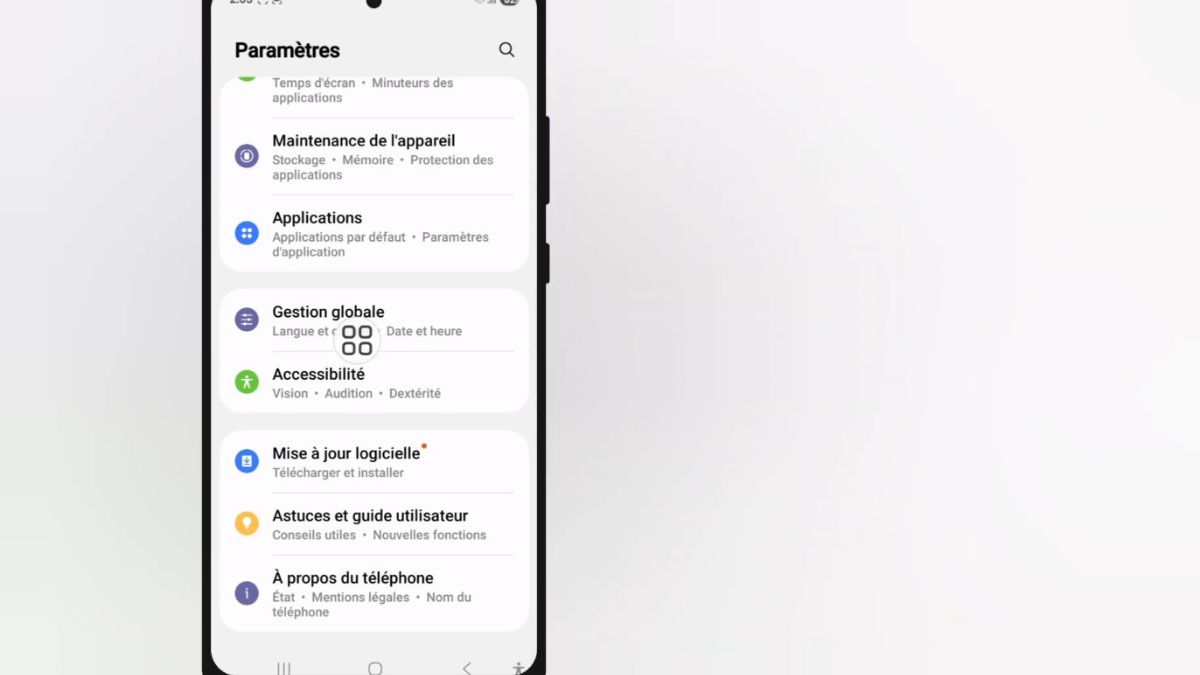
Since the update to One UI 6.1 on Samsung devices, many users have noticed a behavior that disrupts the typing experience: the Samsung keyboard (formerly called Samsung Keyboard) no longer retains the language per application. In other words, if you used a different language in WhatsApp, Gmail, or TikTok, this language is now forgotten as soon as you switch applications. This may seem minor, but for those who frequently write in multiple languages, this reset quickly becomes a source of frustration.
In previous versions of One UI, it was common to use multiple languages for different purposes. For example:
The system remembered which language had been selected in each application and automatically reapplied it at the next opening. This avoided having to manually change the keyboard with each application switch.
Since One UI 6.1, this is no longer the case. The observed behavior is as follows:
This systematic reset can complicate multilingual typing, especially for those who often juggle multiple languages.
Samsung has not published a detailed note on this point, but several clues explain this regression:
Previously, each instance of the keyboard could record preferences specific to an application. One UI 6.1 has opted for a more centralized approach, where the language now depends solely on the last global choice of the keyboard.
This means that:
This behavior may respond to an internal logic of simplification, but it goes against a fine multilingual usage.
A user who often writes in French in WhatsApp and in English in Slack will now have to manually switch with each app change, instead of automatically finding the language they used previously.
This increases manipulations and slows down typing.
For people who type long texts or create posts in different languages, the fact that the keyboard automatically returns to a single language imposes constant vigilance, as automatic corrections and word suggestions do not match the linguistic context of the application.
Even though Samsung has not offered an official solution to this behavior in One UI 6.1, several approaches can reduce the inconveniences:
Even if this does not restore memory per application, it prepares the keyboard to handle all used languages with a single gesture (swipe on the space bar or via the language icon).
Several third-party keyboards still offer the language per application feature:
These keyboards retain language settings specific to each application in many cases, which can restore some of the previously appreciated behavior.
To switch to an alternative keyboard:
Samsung regularly listens to user feedback. If a large number of people report this behavior in the Samsung Members app, it may speed up the development of a fix in a future update.
To submit feedback:
Several similar feedbacks can encourage a return to the historical feature.
Some might think it is an unintended regression or a bug. However, the persistence of this behavior in several One UI 6.1 builds suggests a deliberate system modification.
Here are some elements that support this:
This does not make the situation more pleasant, but it helps to understand that it is not simply an isolated malfunction.