


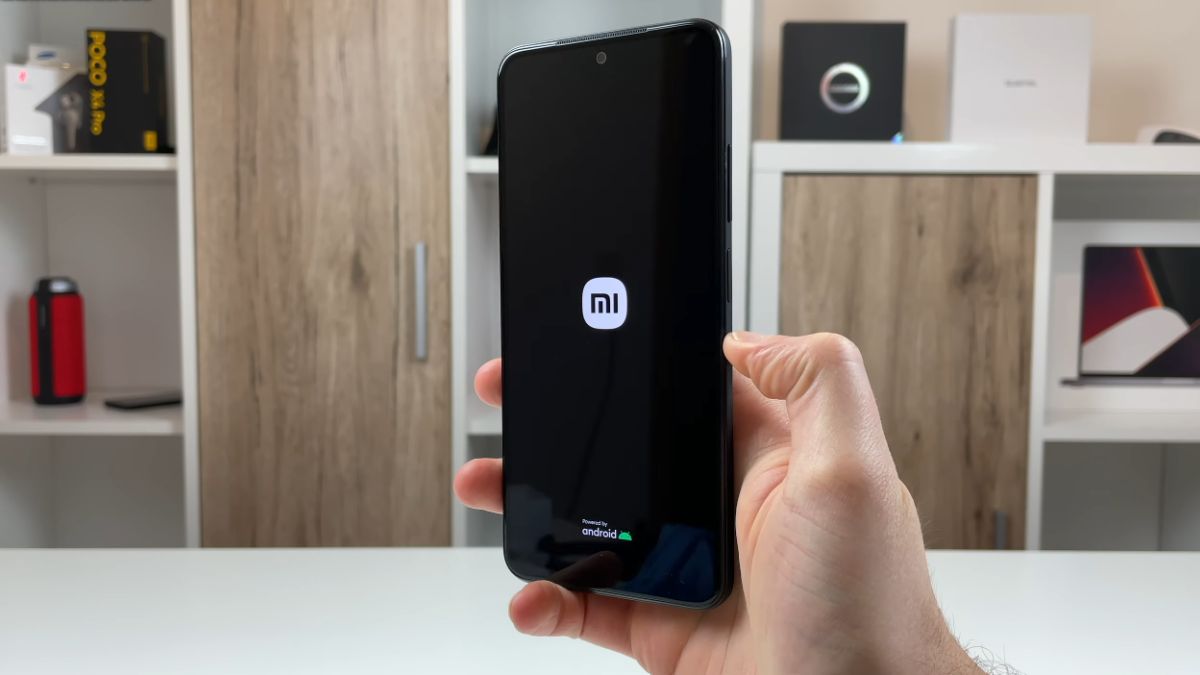
The Redmi Note 11S is a smartphone appreciated for its reliability and balanced performance. However, some users encounter an annoying problem: the device keeps restarting, sometimes for no apparent reason. This phenomenon, called “bootloop,” may seem serious, but in most cases, it is a repairable software anomaly.
When a Redmi Note 11S gets stuck on the Xiaomi logo or keeps restarting, it often results from a MIUI system malfunction. System files or certain applications may interfere with the normal startup of the device.
Diagnostics conducted by specialized workshops show that nearly 7 out of 10 cases are related to a software failure. The rest stem from hardware failures such as the battery, motherboard, or a damaged connector.
The most common causes:
In rarer cases, prolonged overheating or a fall can cause a physical failure of the power component.
Before any complex manipulation, it is necessary to determine if the blockage comes from the internal software or a hardware element.
To do this, start with a forced restart: hold down the Power button for about 15 seconds, until it completely shuts down. If the phone restarts normally, the bug was temporary.
If the loop continues, try a safe mode startup:
If the problem disappears in this mode, it means a recently downloaded application is blocking the system. Remove the applications installed just before the bug appeared.
According to Xiaomi forum statistics, more than 60% of restarts stop after removing one or two defective applications.
The system cache contains temporary files intended to speed up MIUI execution. But when it gets corrupted, it can prevent the phone from starting correctly.
Clearing the cache is safe for your personal files and often resolves the issue.
Procedure:
According to feedback from maintenance centers, about 40% of loop restart cases disappear after this operation, especially if the bug appeared just after a MIUI update.
If the cache is not enough, a factory reset is the next step. This action erases all data and restores the smartphone to its initial state.
Before proceeding, back up your photos, contacts, and documents on Google Drive or Mi Cloud.
Two options are available to you:
This method resolves most startup problems related to a software error. Statistics from authorized technicians indicate that nearly 8 out of 10 failures are corrected after a complete reset.
When the reset is not enough, the issue often comes from the firmware (the MIUI system itself). A manual reinstallation may then be necessary.
This operation, called flashing, involves restoring a clean version of the original software.
It requires:
Once the phone is connected to the PC in fastboot mode, Mi Flash installs the complete system.
This method resolves about 90% of persistent loops when the problem does not come from the hardware.
However, a wrong manipulation can permanently block the phone. If you are unsure, it is better to go through an authorized workshop.
If the Redmi Note 11S continues to restart despite all software interventions, the failure is probably hardware.
Several elements may be involved:
In these situations, only a workshop diagnosis can confirm the exact origin.
Estimates recorded in 2025 give an idea of the costs:
Hardware problems represent about 15% of continuous restart cases on this model.