


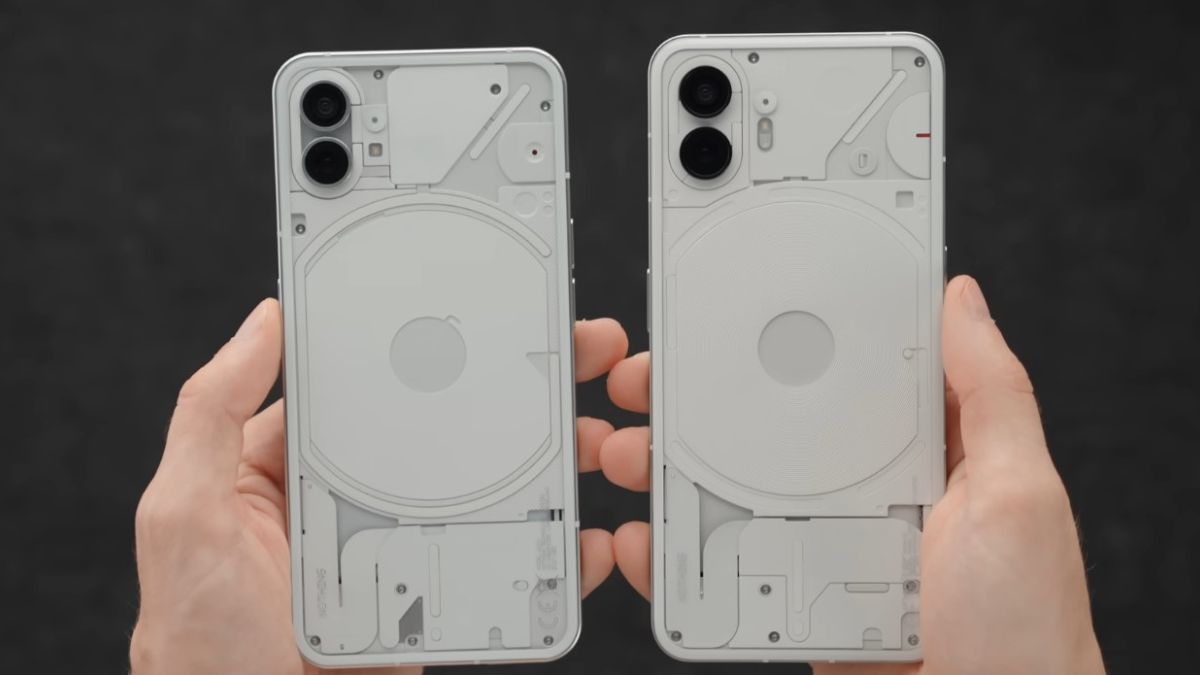
Smartphones often compete on power, photography, or screen. With the Nothing Phone (2), the brand has chosen a different path by highlighting a unique visual element: the Glyph Notifications. These light strips on the back of the phone are as intriguing as they are puzzling. Aesthetic gadget or real information tool?
Behind this unique lighting lies a logic designed to limit interruptions, improve the readability of alerts, and offer another way to interact with your smartphone. Understanding their real utility helps to better grasp the philosophy of the Nothing Phone (2) and assess what these light signals bring to everyday life.
Glyph Notifications correspond to a set of LED strips integrated into the back of the Nothing Phone (2). Unlike a simple classic notification LED, these lights are distributed in several independent zones.
Each zone can light up according to a specific pattern, a defined duration, or a variable intensity. The goal is not just decorative: it is to convey information without needing to turn on the screen.
This system allows, for example, to recognize a call, a message, or a visual alert even when the phone is placed face down.
The majority of notifications require looking at the screen, which multiplies micro-interruptions. Nothing has made a different choice: moving part of the information off the main screen.
This choice responds to several observations seen in recent mobile usage:
Glyph Notifications aim to provide a minimal visual information, sufficient to decide whether an interaction is necessary or not.
One of the major interests of the Glyph system lies in its ability to differentiate alerts.
Each type of notification can be associated with a distinct light pattern:
Thanks to these associations, it becomes possible to identify the nature of the alert simply by observing the light pattern, without unlocking the phone.
This approach limits repeated screen checks and promotes a more selective management of interruptions.
Glyph Notifications are not fixed. The Nothing Phone (2) offers numerous settings to adapt their behavior to individual preferences.
Users can define:
This customization helps avoid visual overload while retaining useful information.
Calls and messages occupy a central place in the functioning of Glyph Notifications. Nothing has paid particular attention to these interactions.
For example, an incoming call can trigger a progressive animation of the light strips, making the alert immediately identifiable. For messages, a more discreet pattern can be used to signal the event without excessively drawing attention.
This visual hierarchy helps distinguish priority communications from secondary notifications.
The Glyph system is not limited to notifications. It can also provide information related to the phone’s status.
During charging, certain light strips can indicate the battery level reached. The user can thus visualize the progress without turning on the screen.
This simple visual feedback avoids unnecessary handling, especially when the phone is placed on a desk or nightstand.
Glyph Notifications make perfect sense in quiet or professional environments. They offer an alternative to often intrusive vibrations and sounds.
In a meeting or shared space, the phone can remain silent while visually signaling an important alert. This discretion is particularly appreciated in contexts where noise or vibrations are poorly perceived.
The system thus promotes a more controlled relationship with notifications.
Not all applications fully exploit Glyph Notifications yet. The system largely relies on standard Android notifications.
Some applications offer finer integration, while others are content with a generic light signal. Nothing continues to expand compatibility through software updates, but the potential also depends on third-party developers.
Despite this, the main uses remain fully exploitable for calls, messages, and common alerts.