


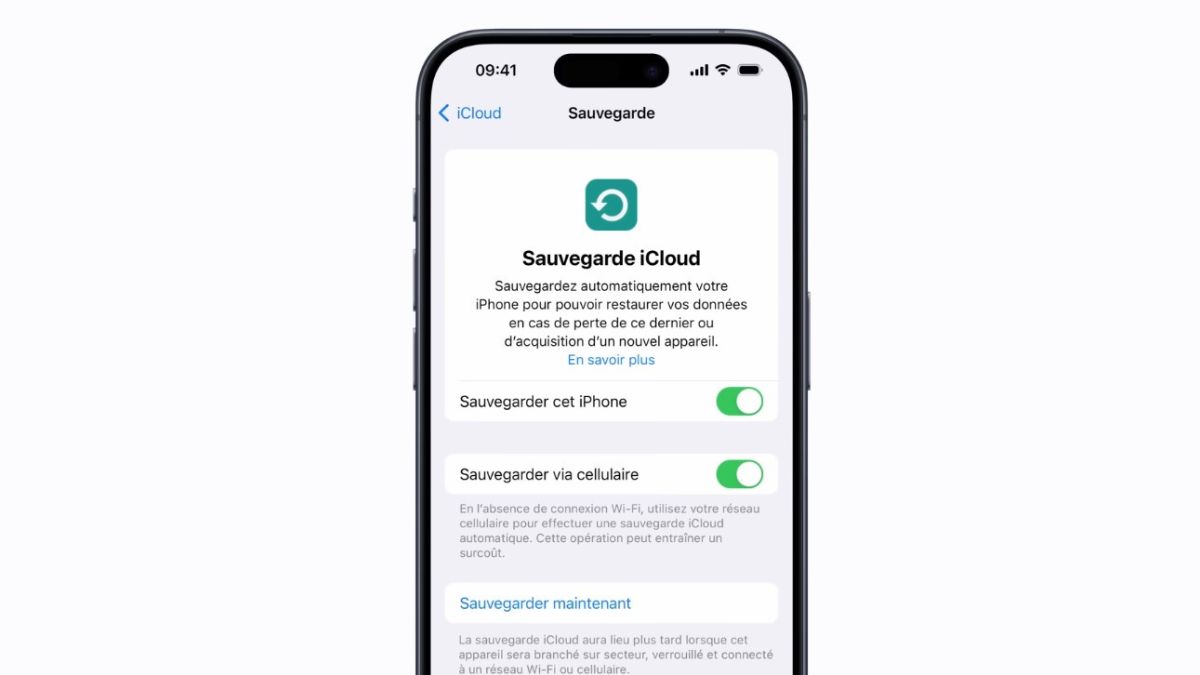
iCloud synchronization is an integral part of the iPhone experience. Photos, contacts, notes, or backups rely on this service to remain accessible on all Apple devices. On iPhone 13, however, some users encounter a puzzling situation. The synchronization seems frozen, data no longer progresses, and the wait lengthens without a clear indication. This situation often causes a feeling of total blockage, although solutions exist in most cases.
User reports about blocked iCloud are numerous on Apple forums. According to a synthesis of data from Apple support in 2025, nearly 28 percent of iPhone 13 users have already encountered a temporary stop in iCloud synchronization.
This figure shows that the situation remains relatively common and does not indicate a serious device failure. In most situations, the service remains active but encounters a temporary obstacle.
iCloud synchronization relies on coordination between the Apple account, network connection, available storage, and certain internal settings. A single anomaly is enough to suspend the sending or receiving of data.
Unlike other services, iCloud does not always display an explicit alert. Items remain marked as pending, with no indication of duration. This lack of clear signal explains the feeling of total failure experienced by many users.
iCloud requires a stable connection to synchronize large volumes of data. A fluctuating WiFi connection or frequent switching between WiFi and mobile data can interrupt the process.
Statistics published by Apple indicate that more than 35 percent of iCloud blockages are related to network instability, even if web browsing seems to work normally.
Free iCloud space is limited to 5 GB. Photos, backups, and documents can quickly reach this limit. Once the space is full, synchronization stops automatically.
According to a study conducted by a cloud storage service in 2024, nearly 6 out of 10 Apple users reach the iCloud limit without realizing it.
In this case, no additional data can be sent until sufficient space is available.
Some iCloud settings may be disabled after an iOS update or reconnection to the Apple account. Synchronization then seems blocked while it is simply disabled for certain data categories.
Apple data shows that about 20 percent of blockages are related to an iCloud option unchecked without the user’s voluntary intervention.
A single inactive section is enough to give the impression of a frozen service.
Power saving mode limits certain background activities. On iPhone 13, this mode can temporarily suspend iCloud synchronization to preserve battery life.
According to internal iOS data, iCloud synchronization is postponed on more than 70 percent of devices activating this mode for several hours.
Temporarily disabling this option often allows data exchange to resume without further manipulation.
A simple restart can sometimes reset iCloud services in the background. This action is often underestimated even though it resolves many temporary blockages.
Logging out and then logging back into the Apple account acts more deeply. According to support feedback, nearly 32 percent of users regain normal synchronization after this operation.
This manipulation does not delete any data stored on iCloud.
Photos represent the majority of synchronized volumes. A large library may require several hours or even days depending on the size and quality of the files.
Figures show that a photo library of more than 20,000 images requires an average of 8 to 12 hours of continuous synchronization on a standard home connection.
Under these conditions, progress often resumes without additional action.
Even though the service remains generally reliable, temporary interruptions can occur. Apple regularly publishes the status of its services, but some local disruptions are not always visible.
Public data shows that iCloud’s availability rate exceeds 99.8 percent, meaning interruptions remain rare and short-lived.
iCloud synchronization blocked on iPhone 13 is almost never permanent. Statistics from Apple support indicate that more than 85 percent of situations are resolved without hardware intervention, only through settings or a wait related to the network.
Patience sometimes plays an important role, especially during initial synchronizations or after a complete device restoration.