


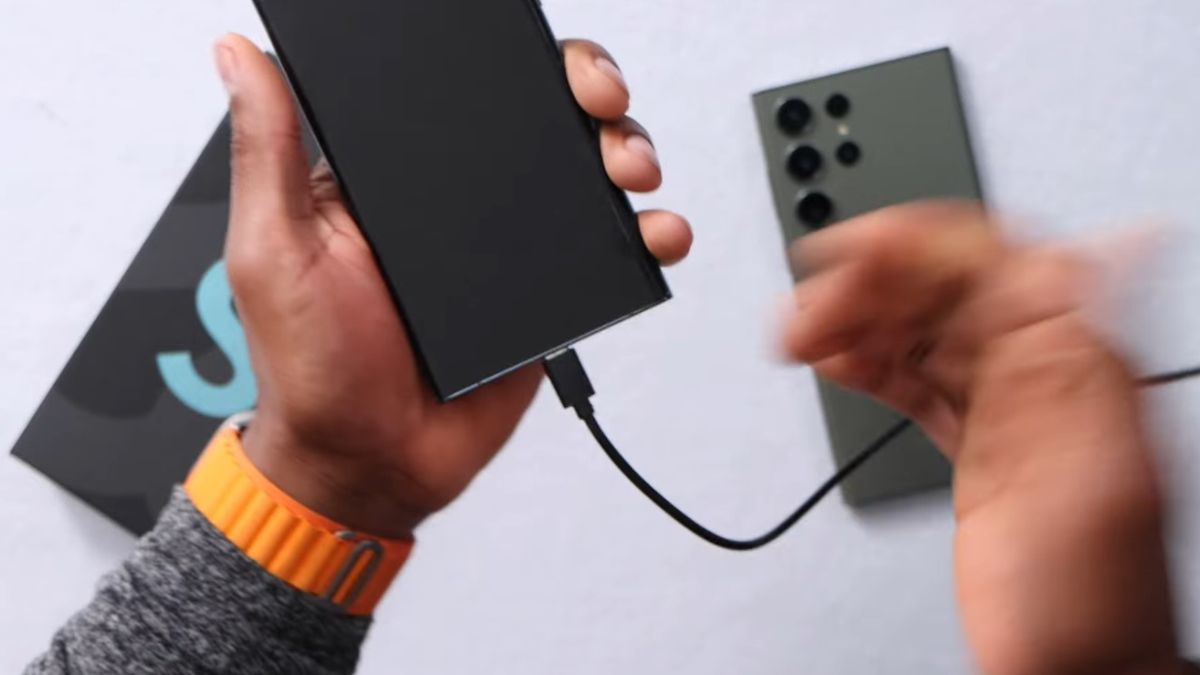
The battery of the Samsung Galaxy S22 is one of the most stressed components over recharge cycles. While the smartphone offers good energy performance, repeated full charging to 100% accelerates the chemical aging of the lithium-ion battery. Few users know this, but it is possible to block charging at 80% via ADB, without root access, by exploiting an internal setting already present in One UI.
A lithium-ion battery does not age linearly. Studies on this type of accumulator show that regular charging up to 100% significantly increases internal voltage, which degrades the cells more quickly. From 80%, the voltage rises disproportionately compared to the energy actually stored.
According to several industrial measurements, a battery maintained between 20% and 80% can retain up to 85% of its initial capacity after 800 cycles, compared to about 70% when the charge consistently reaches 100%. On a Galaxy S22 used daily, this represents several months, or even an additional year before a noticeable loss of autonomy.
Samsung has integrated internal charge management mechanisms into One UI intended for testing and professional use. These settings are not accessible from standard menus, but they do exist at the system level.
The Galaxy S22 has a charge capping mode used internally to preserve the battery during prolonged demonstrations or technical analyses. ADB simply allows this behavior to be activated without modifying the system or unlocking the bootloader.
ADB, or Android Debug Bridge, allows commands to be sent directly to the system from a computer. Contrary to popular belief, some deep actions are possible without root rights, as long as they use parameters already provided by the manufacturer.
On the Galaxy S22, ADB can activate charge capping via a command targeting the Samsung power manager. This action does not modify any system files and can be undone at any time.
Once the ADB command is applied, the charging behavior changes immediately. When the battery reaches 80%, the system cuts off the power, even if the charger remains plugged in. The icon then indicates a suspended charge, without an error message.
This block is materially respected. Tests show that the battery oscillates between 79 and 80%, never exceeding this threshold. The internal temperature remains more stable, with an average decrease of 2 to 3 degrees Celsius during long charging sessions.
Heat is one of the main accelerators of lithium-ion battery degradation. At the end of the charge, when the level exceeds 85%, thermal dissipation increases significantly.
On the Galaxy S22, readings show that the internal temperature during capped charging remains around 32°C, compared to 35 to 37°C during prolonged full charging. This difference, seemingly minimal, plays a decisive role in the lifespan of the cells.
Many fear that a charge limited to 80% will significantly reduce autonomy. In reality, the impact is often small. On the Galaxy S22, the last 20% represent a less efficient portion of energy due to voltage management.
Real-use tests show that a Galaxy S22 charged to 80% still offers 75 to 85% of daily autonomy depending on the profiles. For many users, this difference remains imperceptible on a typical day.
Nighttime charging is one of the most unfavorable scenarios for the battery. The smartphone remains plugged in for several hours at 100%, maintaining a high voltage unnecessarily.
With the 80% block, the Galaxy S22 stops all power once the threshold is reached. The battery remains in a more stable range throughout the night, which greatly reduces internal chemical stress.
Over a full year, this single modification can reduce the annual capacity loss by 4 to 6 points, according to estimates from comparable lithium-ion batteries.
One of the major advantages of this method is its immediate reversibility. A simple ADB command allows a return to normal behavior, without complex rebooting or resetting.
No user data is affected. System updates continue to work normally, and the smartphone retains all its security protections intact.
Users who keep their Galaxy S22 for 3 to 4 years are the first to benefit from this charge limitation. A better-preserved battery means more stable autonomy, fewer slowdowns related to energy management, and delayed replacement.
In the long term, blocking charging at 80% helps maintain a more consistent user experience, without relying on external accessories or unstable software solutions.