


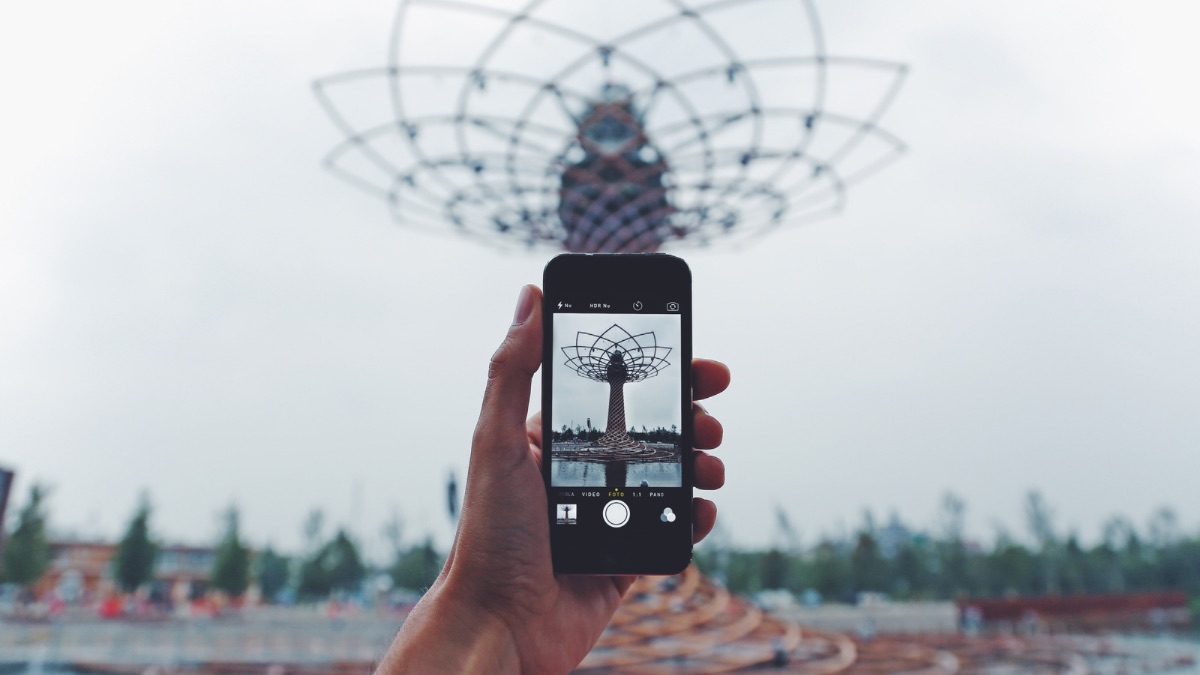
The Samsung Galaxy S25 Ultra is designed to offer an exceptional photo experience, with powerful zoom that allows you to capture details invisible to the naked eye. The 100x super zoom mode is an impressive feature, but to use it effectively, it is necessary to understand how to activate and adjust it correctly to obtain sharp and usable images.
To use the 100x mode, start by opening the photo app on the Galaxy S25 Ultra. The zoom is directly accessible from the main interface: a slider or dedicated buttons allow you to gradually move from standard zoom to maximum zoom.
At 100x, image stability becomes crucial, as any hand movement can lead to significant blur. It is therefore recommended to adopt a stable position, or even use a support or tripod to optimize the result.
Activate maximum zoom
The 100x super zoom mode can be activated by sliding the zoom slider to 100x or by selecting the corresponding option in the app menu. On some models, a double tap or a specific button may also allow quick access to this function.
Once activated, the screen displays a preview with a very reduced field of view. This view allows you to precisely frame the object or scene to capture, but it should be kept in mind that even the slightest movement is amplified at this zoom level.
At 100x, image quality depends heavily on the stability of the device and lighting conditions. It is advisable to choose well-lit scenes and use automatic or touch focus to ensure maximum sharpness on the subject.
The Galaxy S25 Ultra also offers digital tools to enhance clarity: adjustments to brightness, contrast, or exposure may be necessary for the zoom to truly reveal the desired details.
The 100x super zoom mode is not only for observing distant objects. It can be used to capture artistic details, isolate textures, or create unique composition effects. Thanks to the power of the sensor and the intelligence of the software, it is possible to produce impressive shots, even at great distances, while maintaining a remarkable level of detail.
Even though the technology is advanced, extreme zoom has certain constraints. Images may appear slightly grainy or lose precision if the light is low or if the subject is moving. Using a stabilizer or tripod and selecting well-lit scenes can help limit these effects and achieve more satisfactory results.