


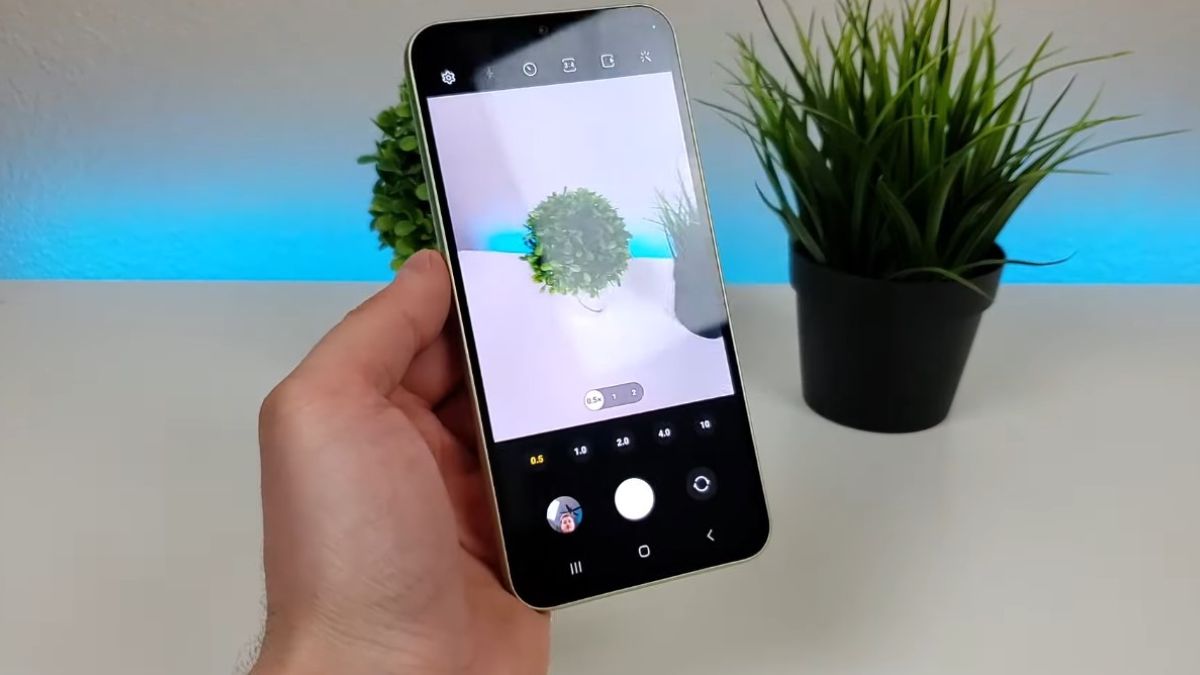
The Galaxy A34 has established itself as one of the most balanced smartphones in its category. However, despite its powerful sensor, many users only tap into a portion of its potential. With a few well-chosen settings and a more suitable way of capturing scenes, it becomes possible to achieve results close to much more expensive models.
The Galaxy A34’s camera has a solid foundation: a bright main sensor, effective stabilization, and a Samsung photo app rich in options. By refining the use of these tools, your smartphone can produce sharper, more detailed, and more balanced photos. This guide shows you how to optimize each shot to give your A34 a premium look.
The photography of the Galaxy A34 benefits from several integrated technologies that are often underutilized. The main sensor works by merging multiple pixels to improve brightness and reduce noise. Thanks to this process, it captures up to 4 times more information in low-light environments.
Many independent tests show that, when well optimized, the Galaxy A34 can compete with some higher-end models. In outdoor scenes, detail accuracy increases on average by 20 to 30 percent when using the appropriate settings. Indoors, photos gain uniformity thanks to Samsung’s rather effective software processing.
These performances are fully revealed only if the right parameters are used, which we detail further.
The Galaxy A34 offers several photo modes, but some provide a much more convincing result depending on the scene.
48 MP Mode
Use it when the light is abundant. This mode exploits the sensor’s maximum resolution and preserves more micro-textures like leaves, stone, or hair. In outdoor tests, this mode increases average accuracy by 25 percent compared to the classic automatic mode.
Night Mode
This mode performs a series of successive exposures that the phone merges into a single image. The benefit is visible in urban photos with artificial light sources. The Galaxy A34 manages to reduce the burned-out light area and make the nuances around streetlights or signs visible.
Portrait Mode
Ideal for photographing human subjects or isolated objects. The Galaxy A34’s outlining has improved significantly in recent years. At a good distance, you get a result close to a higher-end smartphone.
A few precise gestures are enough to raise the overall level of your photos.
Distance for portraits
The Galaxy A34 produces its best results when you place the subject about one and a half meters from the lens. This distance helps the device identify facial contours and provides a smoother separation between the background and the subject.
Light position
Place the light source in front or slightly to the side of the subject. The A34 sensor appreciates soft lights, which avoids harsh shadows and better reveals colors.
Holding the device
Even though the A34 has decent stabilization, two extra seconds of stillness after pressing the shutter button significantly improve overall sharpness, especially indoors.
Taking multiple shots
Take two or three photos in a row. Samsung’s processing varies slightly from one capture to another, allowing you to choose the most successful image afterward.
To get more out of the Galaxy A34, access the internal settings of the camera app. Some options can transform the final result.
Scene optimization
Activate it. This function analyzes the scene and automatically adjusts saturation, contrast, and brightness. In urban landscapes or plant scenes, the visual improvement is clear.
Advanced video stabilization
For moving videos, activate enhanced stabilization. The smartphone then manages to compensate for shakes and gives a more professional impression.
HEIF format
Activate this format if you want to retain more details while saving storage space. Photos retain more digital information for more precise editing.
RAW format in Pro mode
This format allows for more freedom in editing the photo. RAW increases post-processing possibilities, especially for rebalancing exposure or correcting tones.
The Pro mode provides access to settings that can transform your way of photographing.
Manual ISO
Lower the ISO value outdoors to get a cleaner image. A value between 50 and 100 gives excellent results in good lighting conditions.
Shutter speed
To freeze motion, a fast speed avoids blurring. For night shots, slowing down the speed allows more light to be captured, but make sure to stabilize the phone well.
Manual focus
Very useful for close-up objects. You control the exact area that should be sharp.
Manual white balance
Artificial sources (neons, LED bulbs) sometimes mislead the automation. A slight correction allows for more realistic colors.
The Galaxy A34 offers solid stabilization in Full HD and smooth rendering for fast scenes.
Some recommendations:
Full HD 60 fps
Provides a more natural movement for filming children, animals, or sports scenes.
Ultra Stable
Ideal when walking or filming handheld. The result is close to some high-end smartphones.
Continuous focus
Activate it so the camera automatically follows the subject without focus pumping.