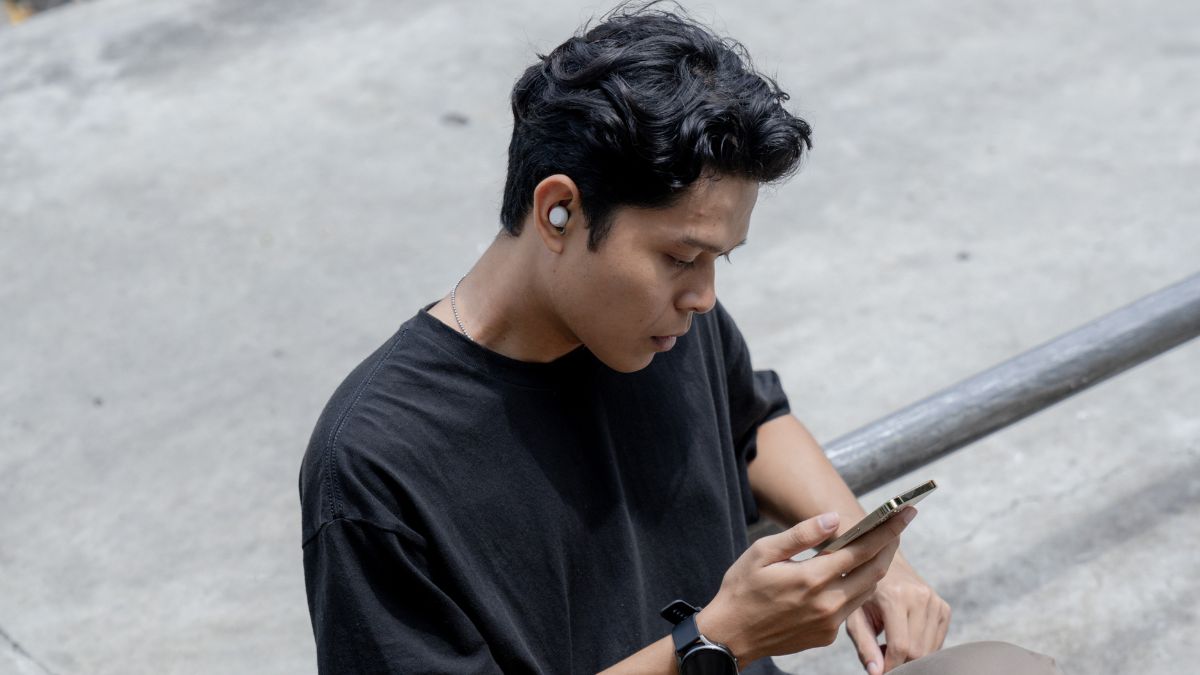
The Galaxy Buds from Samsung are initially designed for Android, but they can also be used with an iPhone. Many users wonder if these wireless earbuds offer a satisfactory experience on iOS. While the Bluetooth connection allows access to basic functions like listening to music, making calls, or activating Siri, several advanced options remain limited or unavailable. Knowing these differences allows you to better utilize your Galaxy Buds and avoid frustrations related to iOS restrictions.
Even if some features are reserved for Android, the Galaxy Buds remain efficient for daily use, especially for audio listening and voice communications.
How to easily connect Galaxy Buds to an iPhone?
Connecting Galaxy Buds to an iPhone is done solely via Bluetooth. The process is simple but requires a few precise steps:
- Open the case to activate pairing mode.
- Access Settings > Bluetooth on the iPhone.
- Select the Galaxy Buds from the list of available devices and confirm the connection.
Once connected, the Galaxy Buds behave like standard Bluetooth headphones. Audio playback, calls, and Siri activation are immediately possible. However, some advanced features, such as sound customization or extended touch control, remain inaccessible on iOS. This limitation does not prevent daily use, but it may reduce the customization that some users seek.
Which Galaxy Buds features work on iPhone?
Even without the Galaxy Wearable app, some functions remain fully usable on iPhone:
- Music and podcast playback: smooth and stable sound, suitable for different types of audio content.
- Phone calls: good sound quality for voice conversations, with partial ambient noise cancellation.
- Basic touch controls: single or double tap to play or pause playback, skip to the next track, or activate Siri.
- Noise reduction and ambient mode: although advanced settings are limited, these modes allow filtering or hearing surrounding sounds.
- Battery life and charging: from 5 to 8 hours depending on the model, with several additional recharge cycles via the case, ensuring prolonged use.
These features allow iPhone users to fully enjoy the daily audio experience.
Advanced features unavailable on iPhone
Several advanced options of the Galaxy Buds are not accessible on iOS, which may limit the experience for some users:
- Sound customization: equalizer, audio profiles, and noise reduction intensity settings are not available without the Galaxy Wearable app.
- Programmable touch controls: unable to assign certain actions to gestures like triple tap or long press.
- Firmware updates: only updates via an Android device allow benefiting from new features or fixes.
- Automatic ear detection: some models do not automatically trigger play or pause on iPhone.
- Advanced noise reduction mode adjustment: unable to precisely adjust the level of ANC or ambient mode.
- Detailed battery alerts: iOS does not provide notifications as precise as those available on Android.
- Multipoint connection: unable to connect the Buds simultaneously to multiple devices as on Android.
Although these restrictions limit some advanced features, they do not prevent the daily use of the Buds for listening to music, making calls, or activating Siri.
Tips to optimize the Galaxy Buds experience on iPhone
Even with these limitations, it is possible to make the most of the Galaxy Buds on iPhone:
- Master essential gestures: play/pause, track change, and Siri activation.
- Use the AAC codec: improves audio quality via Bluetooth on iOS.
- Update firmware on Android: if possible, before using them on iPhone to benefit from the latest improvements.
- Test noise reduction and ambient modes: choose the most suitable option according to the environment for optimal comfort.
- Check ear fit: a good fit improves sound isolation and audio quality.
These tips help compensate for some limitations and improve the daily experience on iPhone.
Comparison of options between Galaxy Buds and AirPods on iPhone
For iPhone users, it is useful to compare the Galaxy Buds to the AirPods:
- AirPods: full integration with iOS, advanced touch controls, automatic updates, ear detection, and native audio optimization.
- Galaxy Buds: functional use via Bluetooth, quality sound, and decent comfort, but several advanced features like sound customization, automatic detection, or updates are limited.
This comparison allows deciding according to priorities: budget, advanced features, or full compatibility with iOS.


