


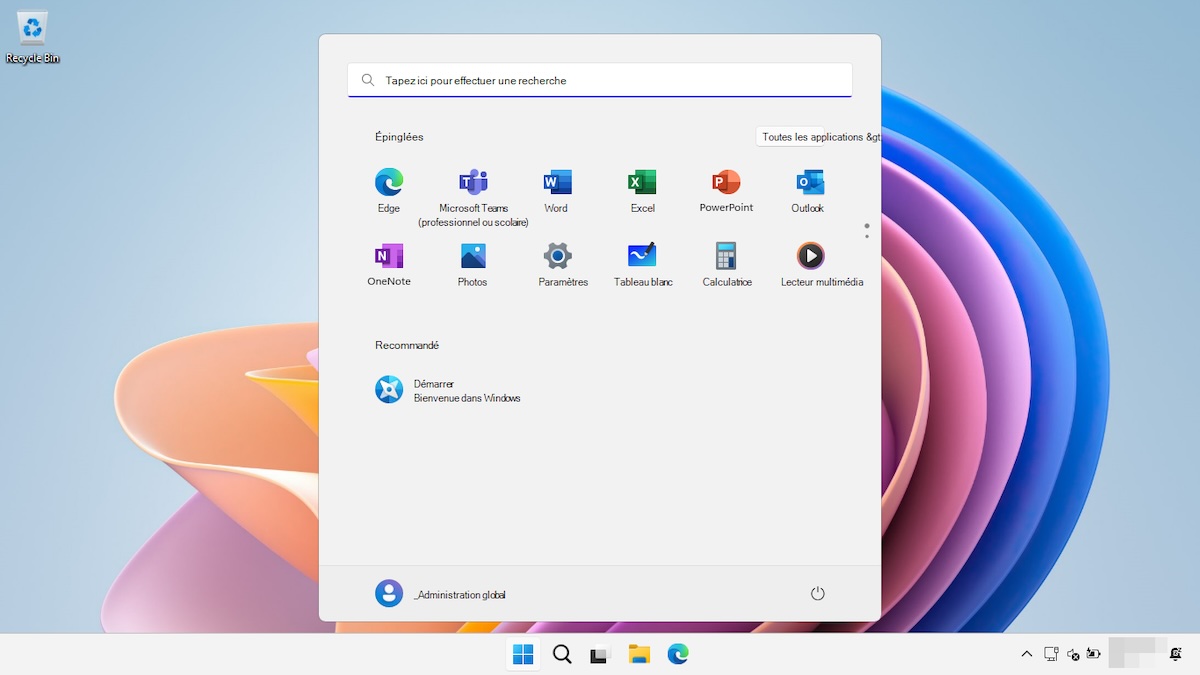
Have you ever encountered a login screen where the password icon seemed to have disappeared? If you are a Windows 11 user, you may have noticed this frustrating bug. Find out how Microsoft addressed and resolved this issue to ensure a smooth login for its users.
The 3 key points not to miss
A bug on Windows 11 recently caused inconvenience for users. Indeed, the password icon, essential for login, was invisible on the lock screen. This issue appeared after the August 2025 updates, affecting versions 24H2 and 25H2 of Windows 11.
Faced with this bug, Microsoft quickly responded by providing a workaround. Users could still access the password option by moving their mouse over the area where the icon was supposed to be. The reserved space thus allowed entering the password and logging in.
To permanently remedy this issue, Microsoft released the optional KB5074105 update on January 29, 2025. This update fixes the bug and restores the display of the password icon. To install it, simply go to Settings > Windows Update, then click on “Check for updates” and finally on “Download and install.”
Microsoft is known for its ability to quickly respond to bugs and technical issues. Since the release of Windows 11, the company has regularly released updates to improve the user experience. Competing with giants like Apple and Google, Microsoft continues to refine its operating system to meet the needs of users worldwide.
Source: