


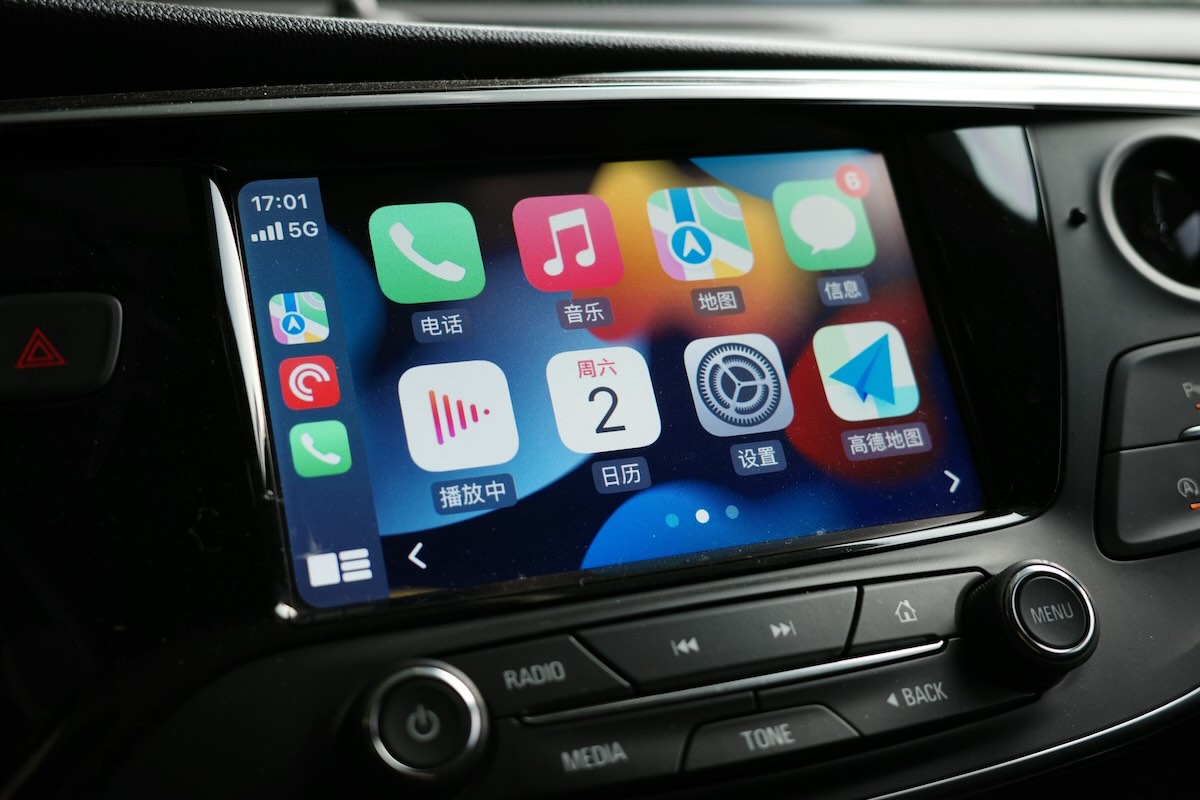
Have you ever wanted to enjoy YouTube while driving, without compromising your safety? With the new integration of YouTube into Android Auto, this becomes possible, but perhaps not as you imagine. Let us guide you through this technological evolution that could transform your daily commutes.
The 3 key points not to miss
With the arrival of YouTube in the Android Auto media widget, users can now access some audio controls directly from their dashboard. This integration is currently limited to play, pause, and track change functions with the next video. However, the absence of a dedicated interface and access to the full YouTube library shows that Google is proceeding cautiously.
The main goal is to facilitate listening to audio content, such as podcasts or long videos, while keeping the driver’s eyes on the road. Steering wheel controls are compatible, allowing for safe and convenient use.
Access to YouTube via Android Auto is conditioned by a Premium or Premium Lite subscription. Without this subscription, the app does not appear on the interface. If the integration does not work, it may be due to an inappropriate version of Android Auto, battery restrictions on the phone, or a partial server deployment by Google.
This choice of subscription exclusivity is explained by the need for the background playback function, a feature reserved for paying YouTube subscribers.
Technically, YouTube uses standard Android APIs for its background audio controls, allowing for integration similar to that of Spotify or Podcast Addict. This means that features may vary depending on location, system version, and type of connection, whether wired or wireless.
Although this integration is modest, it is a first step towards a more immersive YouTube experience in Android Auto. Google has also promised video support in parking mode, but this remains a separate project still in development.
A common issue encountered by Android Auto users concerns erratic connections or service interruptions with third-party apps. This may be due to software incompatibilities, missing updates, or network restrictions. Updating the concerned apps and the Android Auto system can often resolve these issues.
In parallel, Google continues to improve the compatibility and stability of Android Auto to offer a smooth and uninterrupted user experience, ensuring that entertainment and connectivity remain accessible and safe for drivers.