


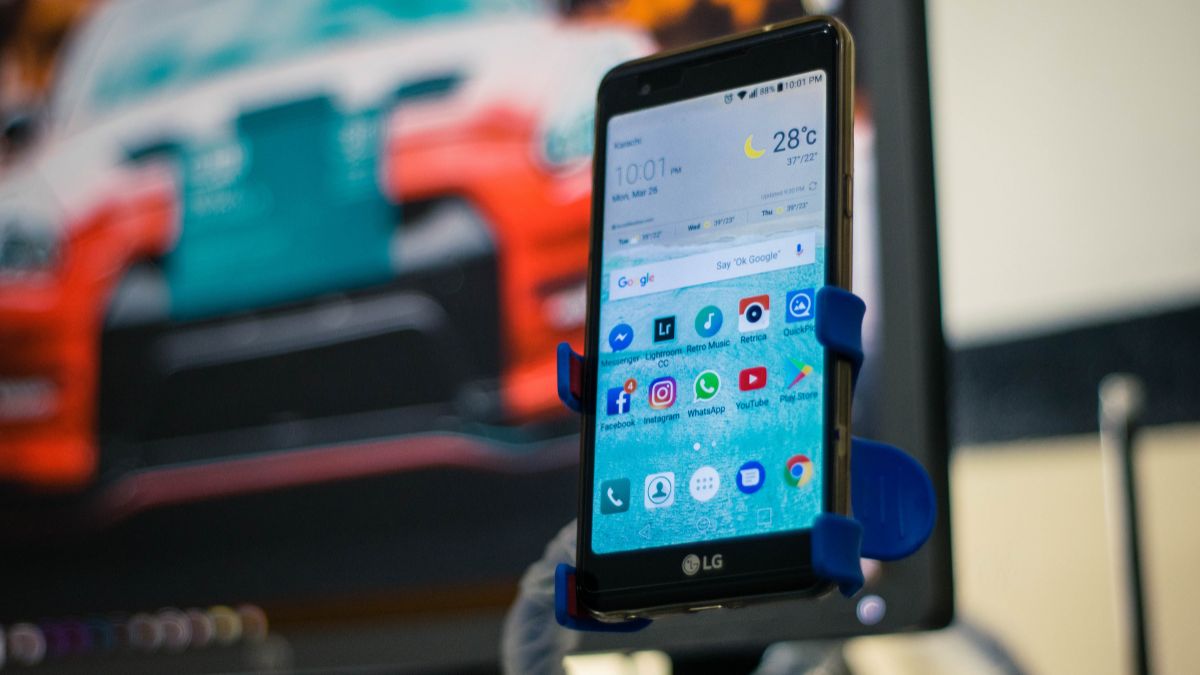
The Android 14 QPR3 update is sparking debates among Android users and developers. Gradually distributed across a large number of devices, this version changes how the system handles certain categories of notifications. In particular, notifications deemed “silent” (those without sounds or marked visual alerts) now have their behavior profoundly modified. Many people are noticing a different prioritization, sometimes to the point of no longer seeing these notifications when they expected to receive them.
This technical change raises questions about the visibility of important information, the management of background alerts, and how applications must adapt to remain relevant to users.
Since the deployment of Android 14 QPR3, a number of users have noticed that “silent” notifications — for example, those that emit no sound, vibration, or specific visual alert — appear less frequently on the screen, or not at all in the main history.
This behavior is especially evident for background tasks: app synchronization, update reminders, “silent” messaging notifications, or small system alerts. Where these alerts were once displayed, some now pass more quickly, seem hidden, or are only accessible via a less visible menu.
According to tests conducted by Android observers, these reduced notifications can be up to 50% less present in the status bar compared to standard Android 14. Concretely, an app that regularly sent discreet messages at the top of the screen may see these messages relegated to a less accessible location.
Android 14 QPR3 changes the way the system allocates priority to notifications deemed silent. This change comes at a time when information management is becoming more refined, with increased attention to interruptions considered intrusive.
In this update, Google introduced stricter criteria for notification classification. Notifications without sounds or distinctive visual elements are now treated as non-priority. This can cause some information, even important to the user, to appear less clearly.
This choice follows a logic aimed at clarifying the display of main alerts and reducing the elements displayed in the top bar. However, the line between what should be considered important or not is not always clear, especially for third-party app developers who rely on these silent notifications to inform users of synchronization steps, task completions, or personalized reminders.
The reduced priority of silent notifications affects several recent models under Android 14 QPR3, particularly:
In an informal survey conducted among an Android community with more than 2,000 users, nearly 42% reported noticing a perceptible change in how silent notifications are displayed since the installation of QPR3. Among them, nearly 58% claim that the less visible messages hinder their ability to spot information they consider useful.
These figures suggest that the phenomenon does not concern just a handful of devices but is a widespread behavior in the management of discreet alerts by Android 14 QPR3.
For the average user, a silent notification that no longer displays as before may seem like just a detail. Yet, this change can have tangible effects on a daily basis:
On a smartphone used intensively for work or communication, losing these signals can be a nuisance. For example, a messaging app that indicated the arrival of a new message without sound may see this indication become less visible, prompting the user to open the app more often to check manually.
In several reported cases, users have indicated having to change their habits, by consulting the notification history or configuring sound alerts for apps that did not need them before.
To remain visible to users, some developers are already considering strategies to circumvent this reduced priority:
Several developers mention that these adjustments may require specific updates to their applications, to ensure that essential reminders remain visible. Without these adaptations, some alerts risk going unnoticed by a portion of users.